Everything QR & Bio Studio does
Every feature on one page, each with a picture of the real thing and a short guide to how it works.
QR code design
Make a code that looks like your brand and prints well.
Dots, corners and colours
Pick the shape of the dots and corners and your own colours, so the code matches your brand. Download it as a PNG, SVG or PDF.
How it works: Dots, corners and colours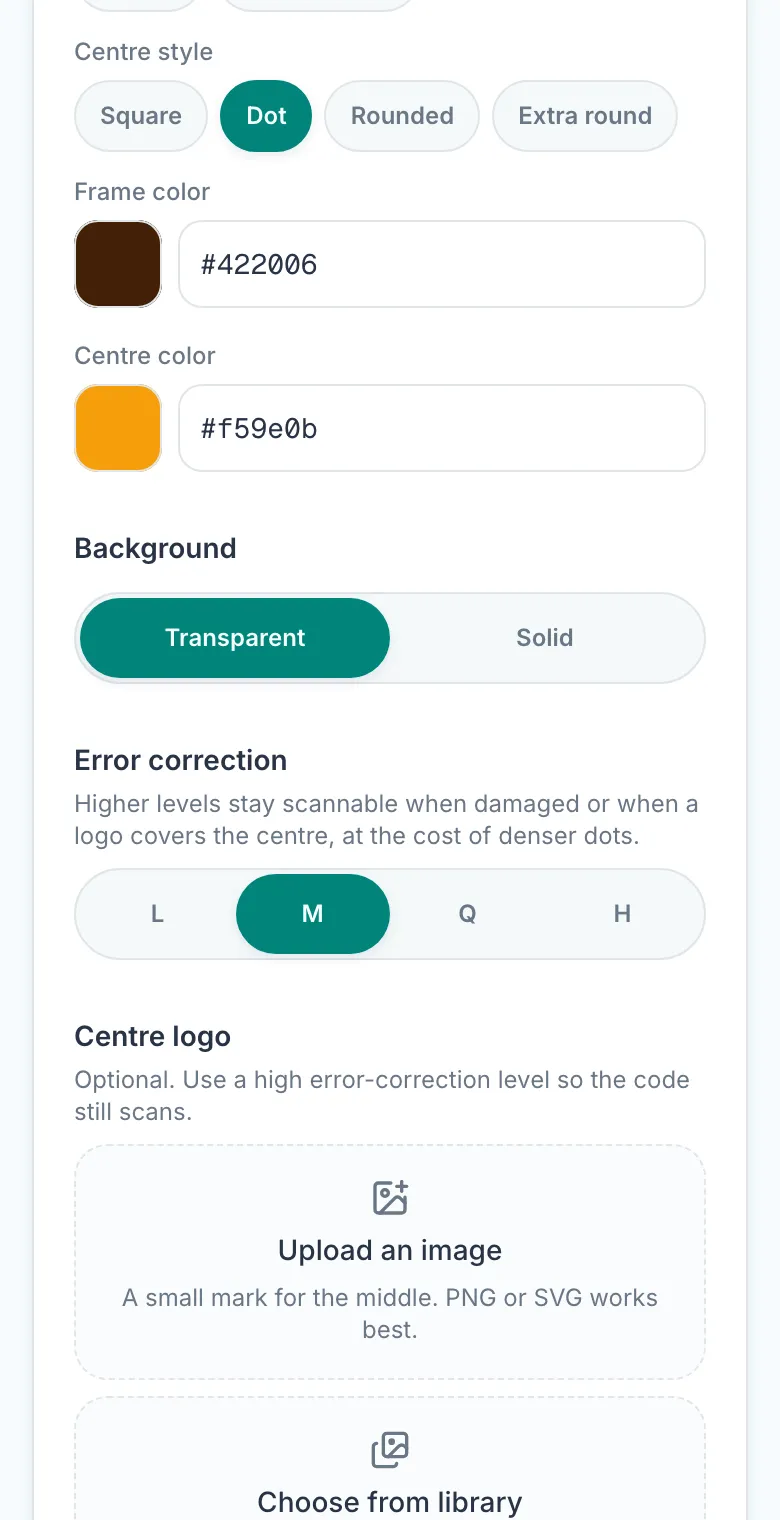
Your logo in the centre
Put your logo in the middle of the code, and choose its size, its shape and the space around it.
How it works: Your logo in the centre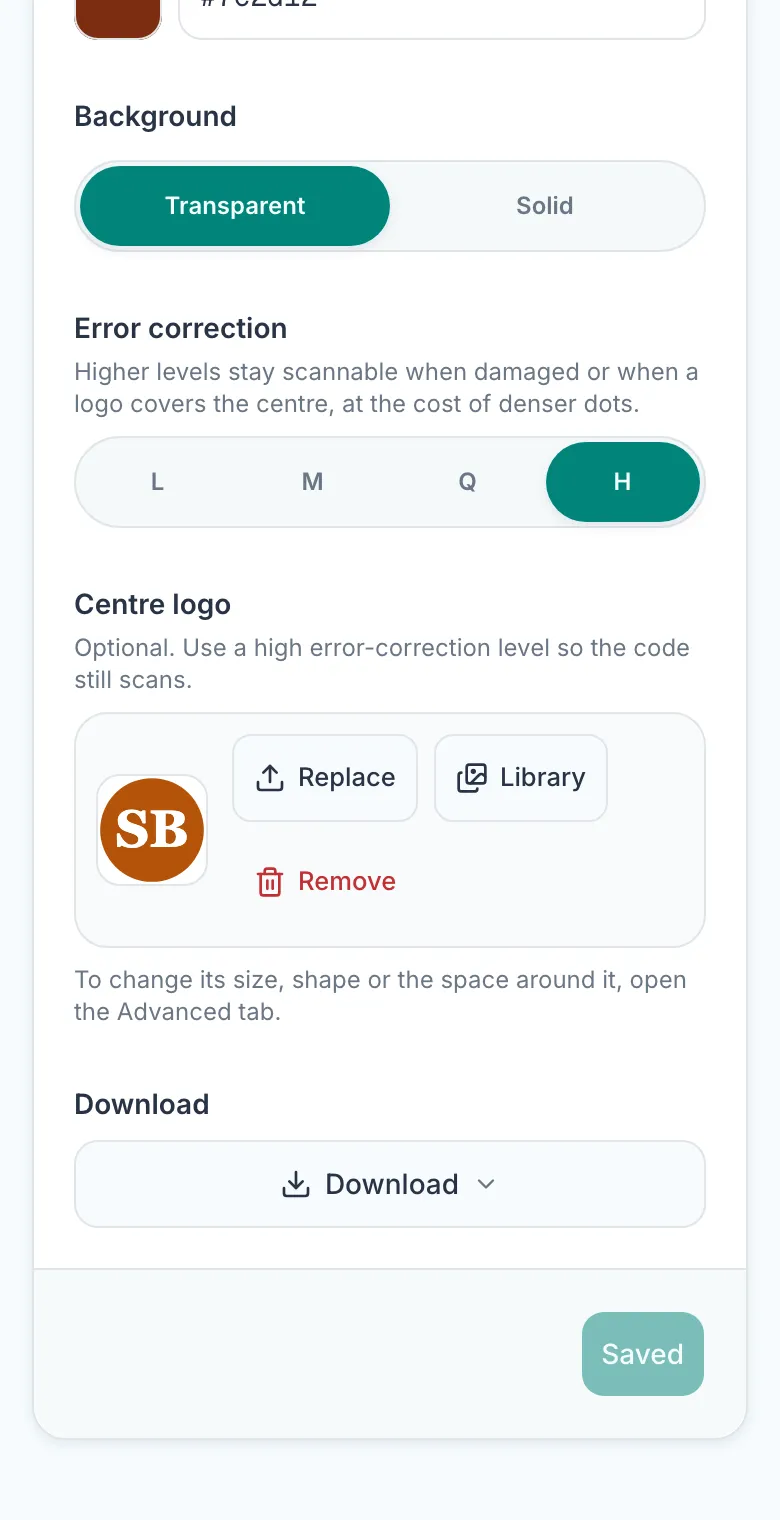
A “Scan me” frame
Put a short message around the code, in your colours. Every file you download includes it.
How it works: A “Scan me” frame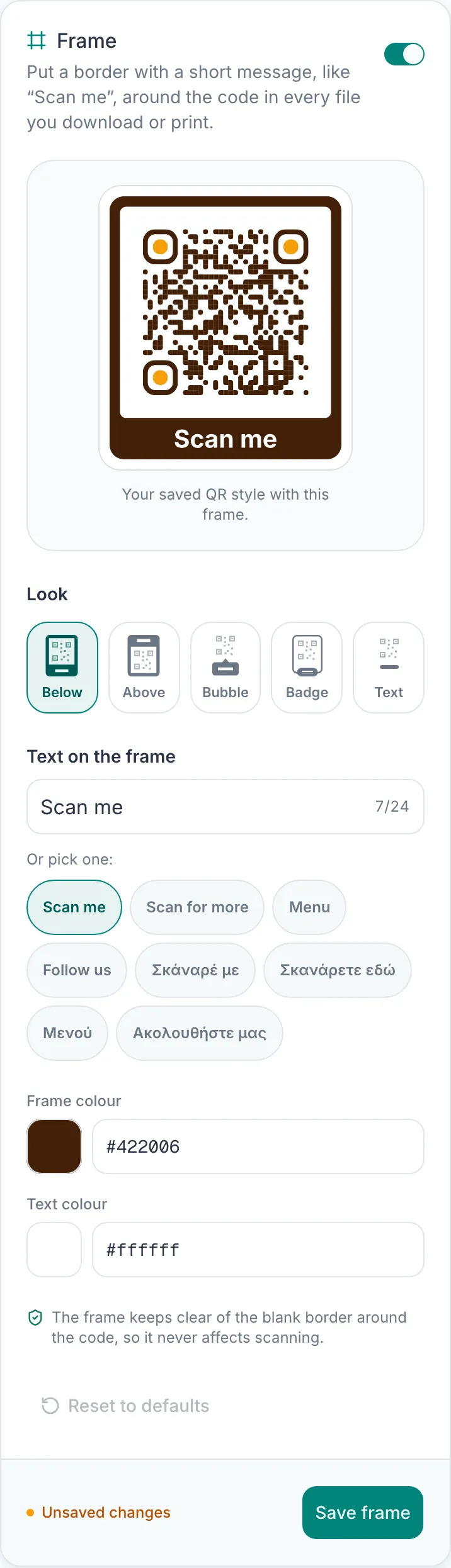
A scannability check
A line under your code warns you about colours or a logo that could stop phones reading it, before you print.
How it works: A scannability check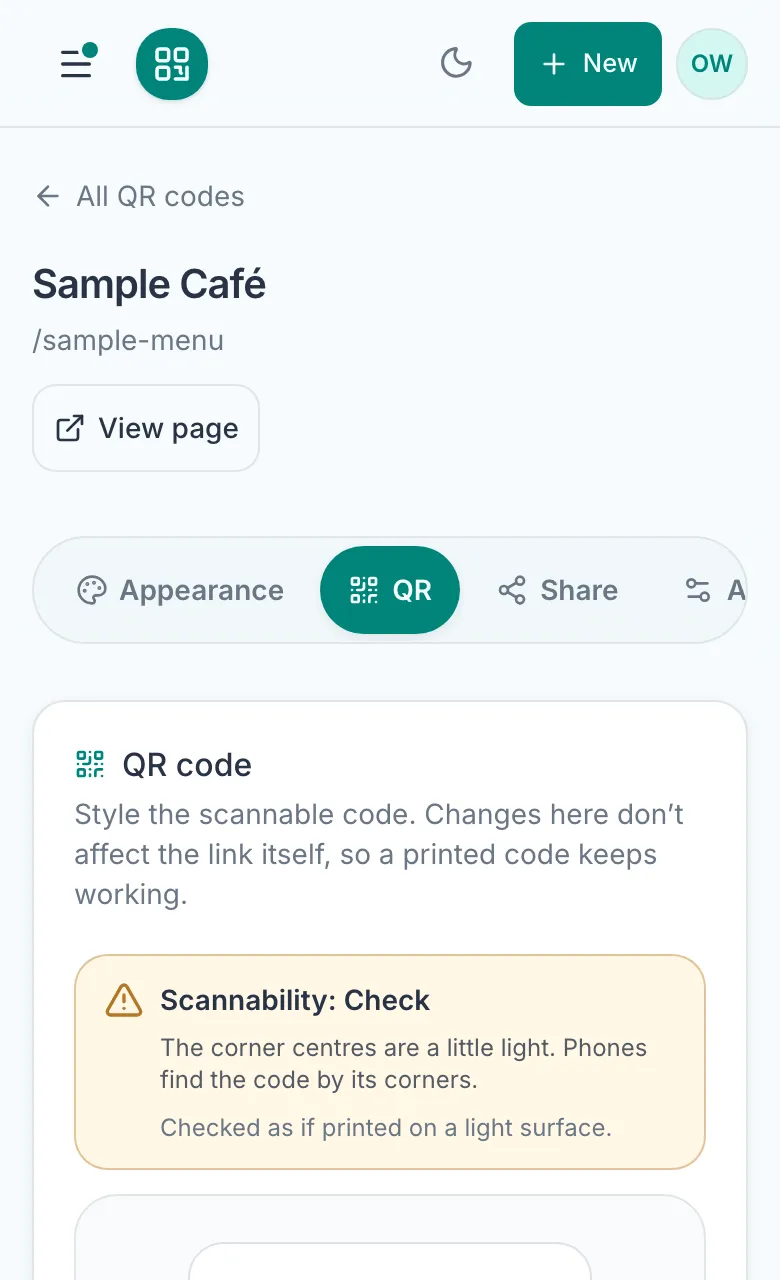
Print files at an exact size
Download a file that prints at precisely the size you need, ready for a print shop or a designer.
How it works: Print files at an exact size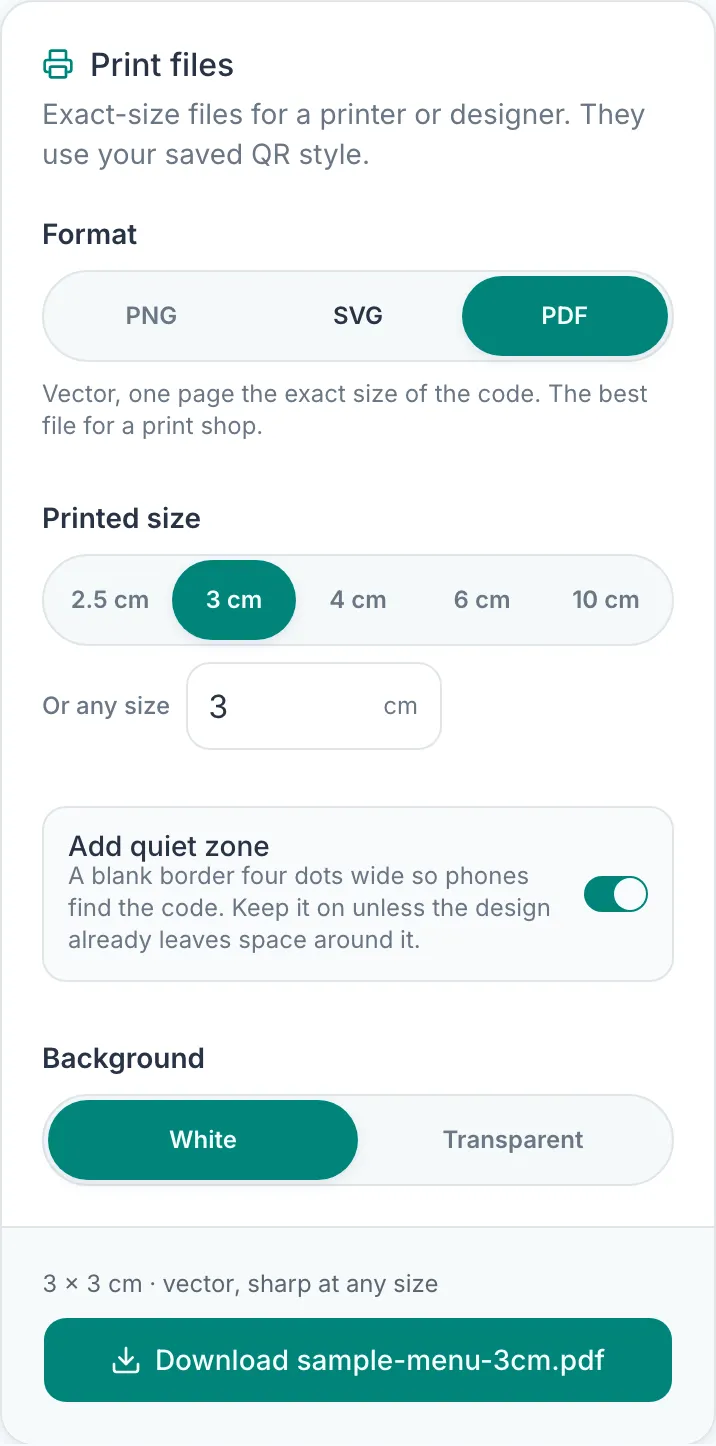
All your codes in one ZIP
Download every code at once, each file named after its link.
How it works: All your codes in one ZIP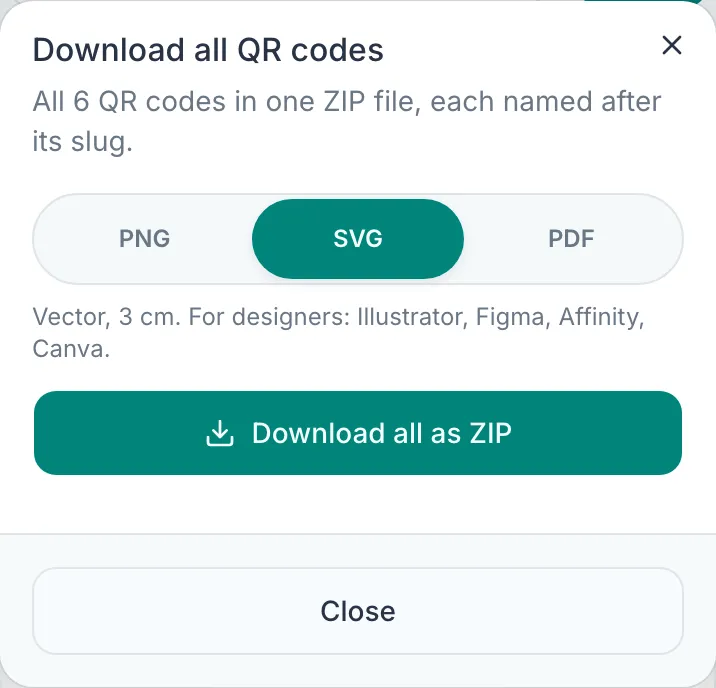
Bio pages
The page people open when they scan, in your look.
Colours and backgrounds
Use a colour, a gradient, an emoji pattern or a photo behind your page, then pick your title and button colours.
How it works: Colours and backgrounds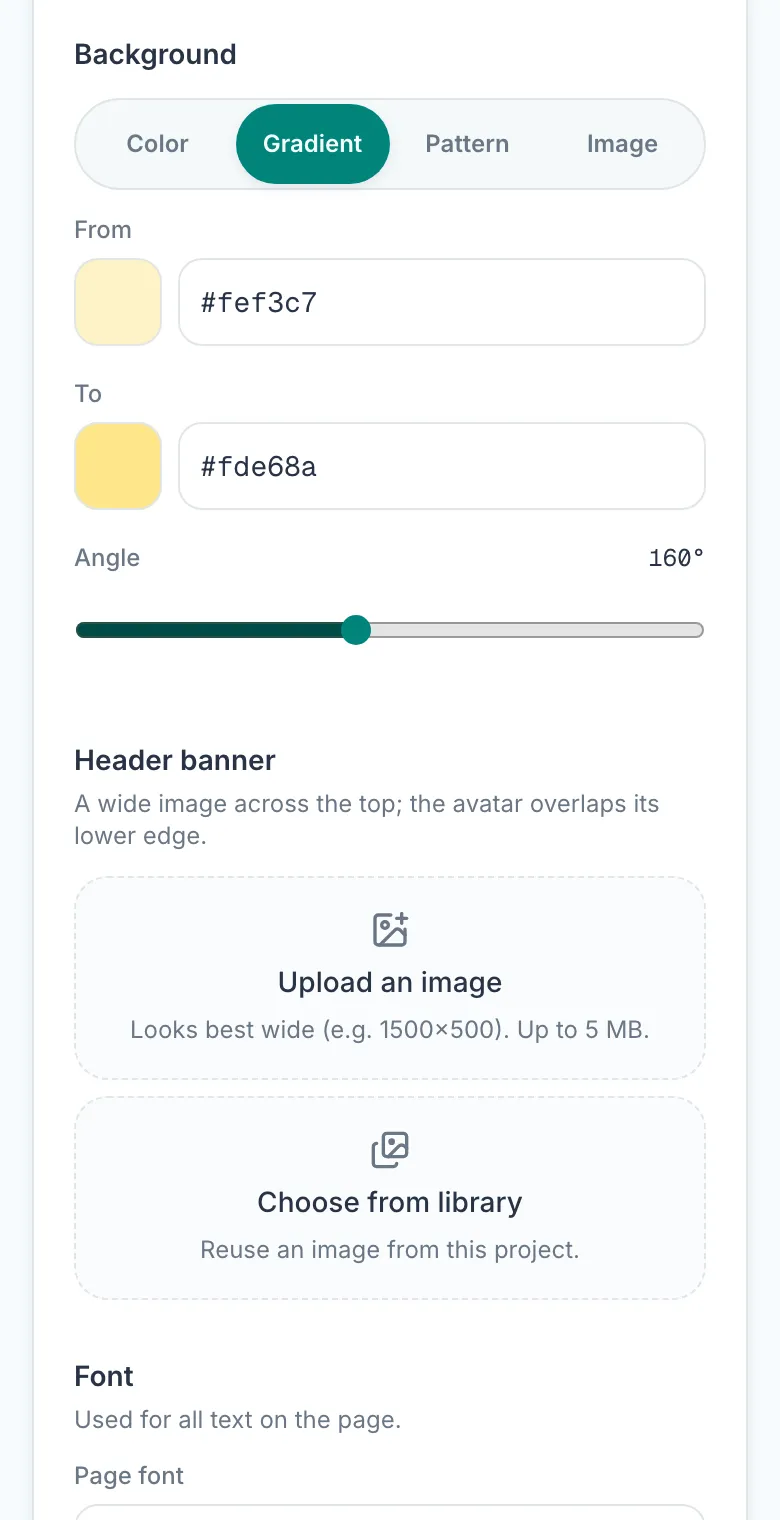
Twelve fonts
Pick a font for the whole page, or a different one for the title and the buttons.
How it works: Twelve fonts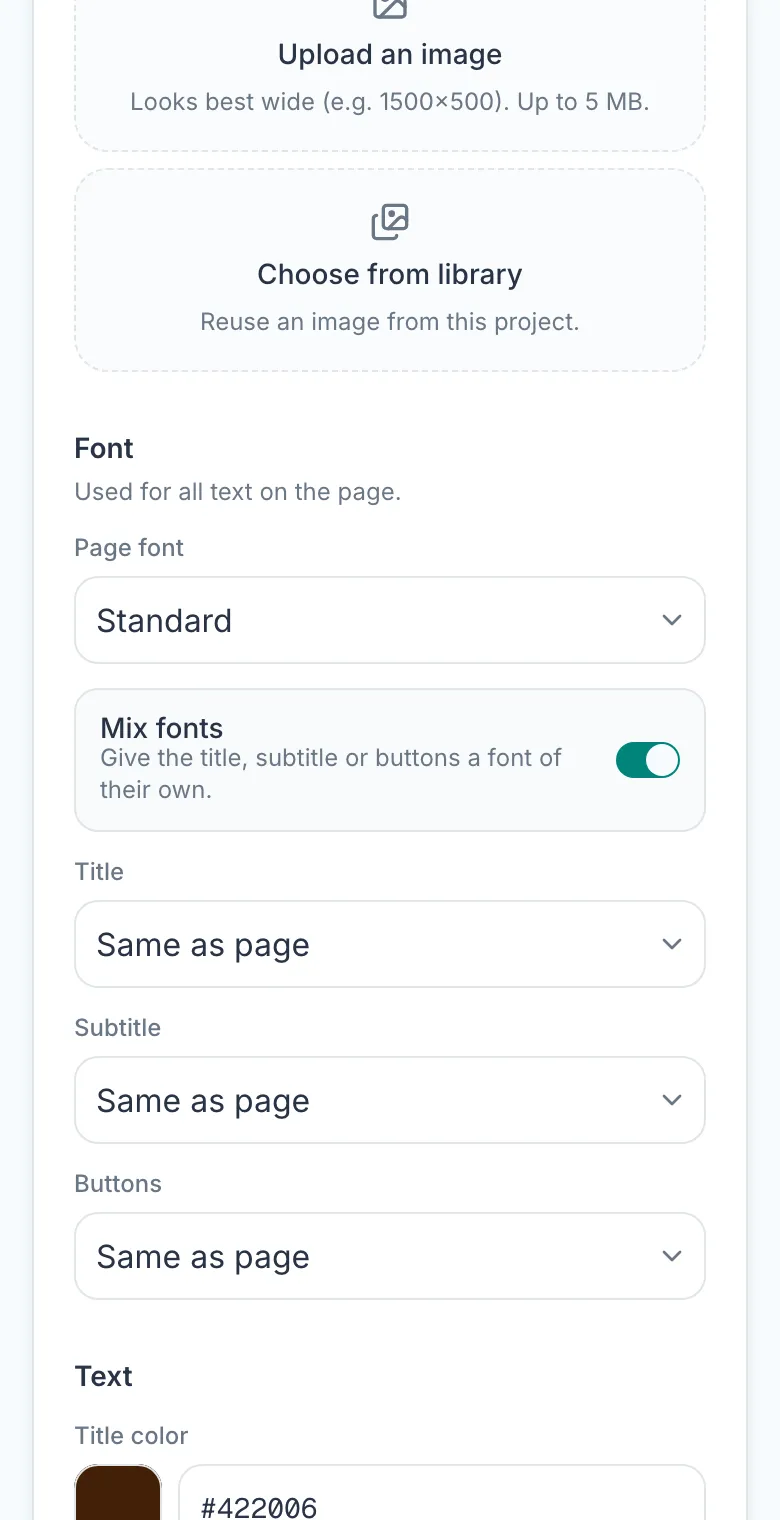
Buttons for everything
Instagram, WhatsApp with a message already typed, bookings, delivery, payments or any link, each with its own icon.
How it works: Buttons for everything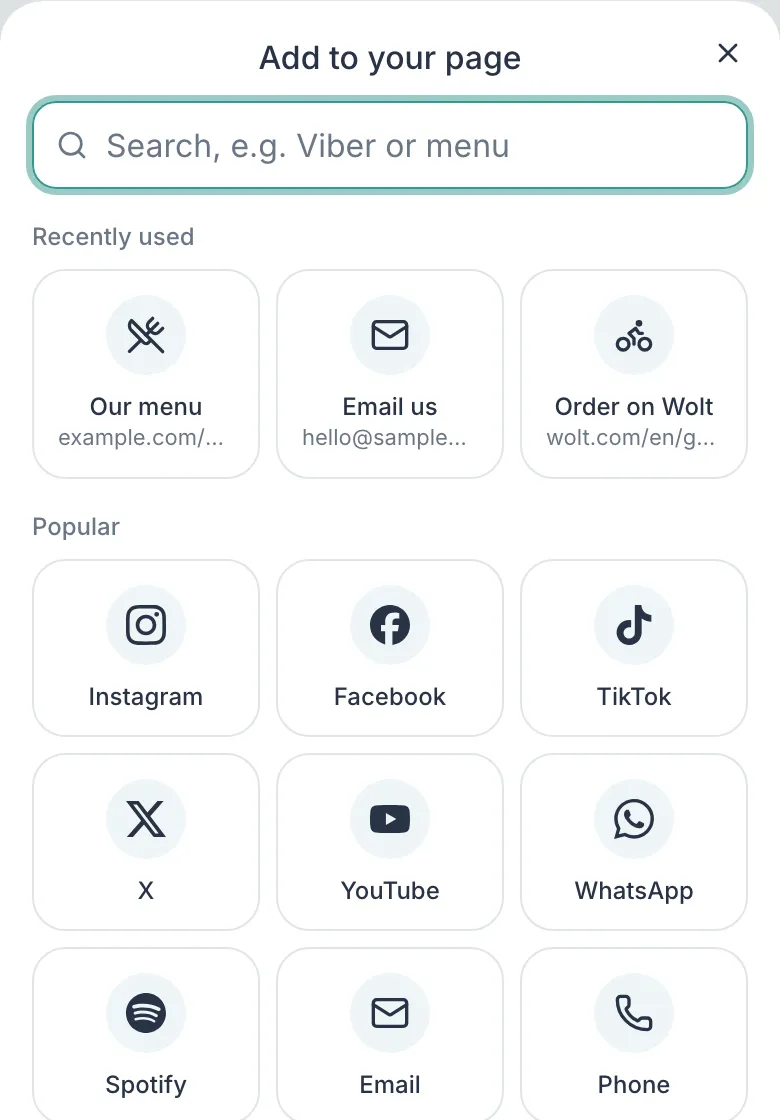
Buttons side by side
Drag or tap to change the order, and place two small buttons on one line.
How it works: Buttons side by side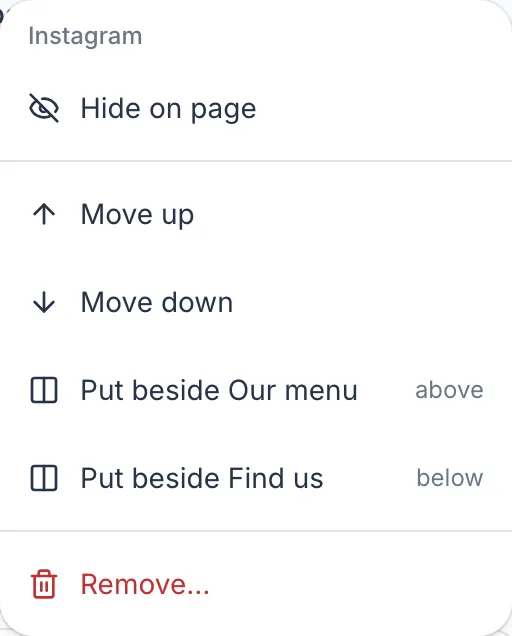
Pictures, galleries and words
Add headings, short text, dividers, pictures, and a strip of pictures that visitors swipe through.
How it works: Pictures, galleries and words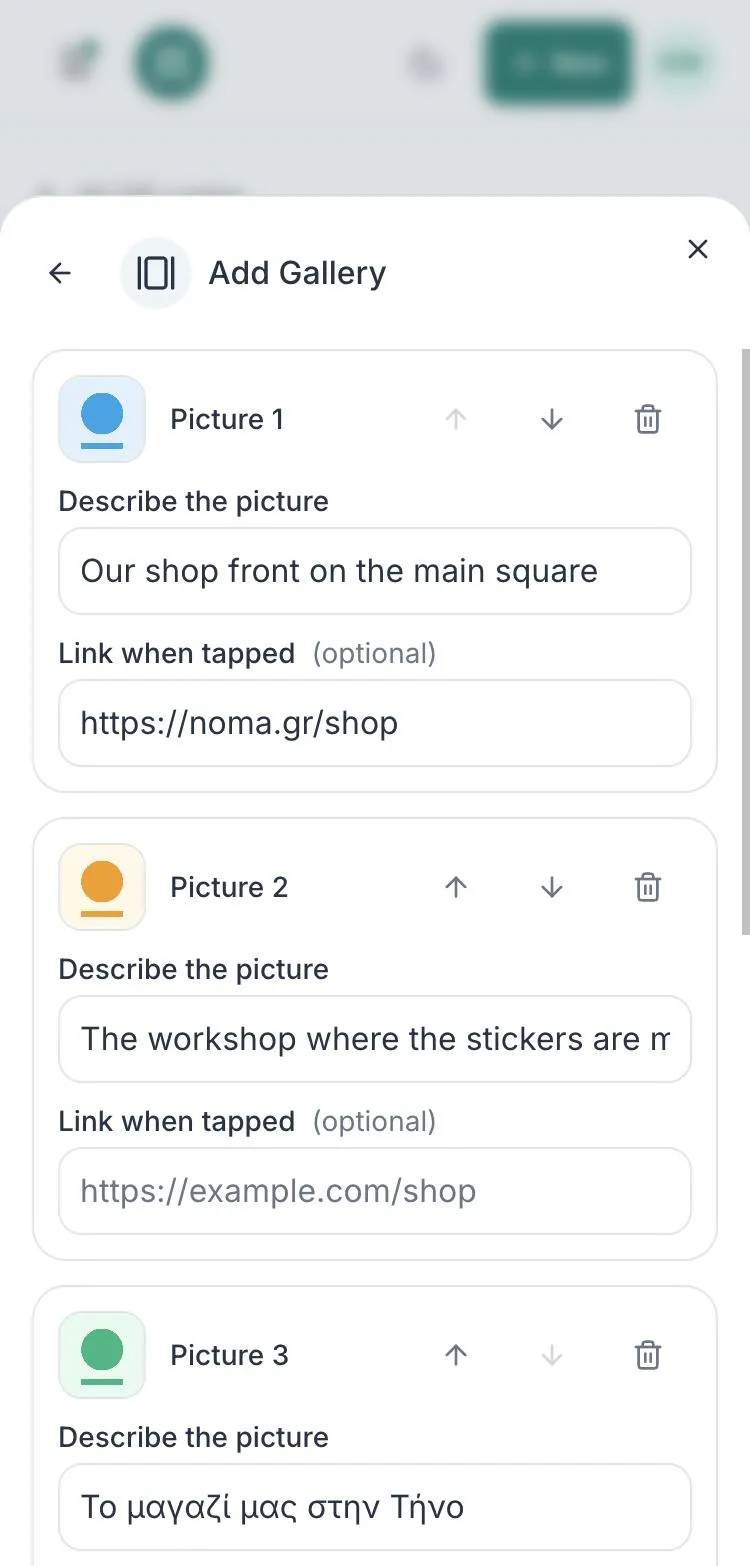
Digital business cards
Start a page as a business card with an Add to contacts button, then make one for each colleague in a step.
How it works: Digital business cards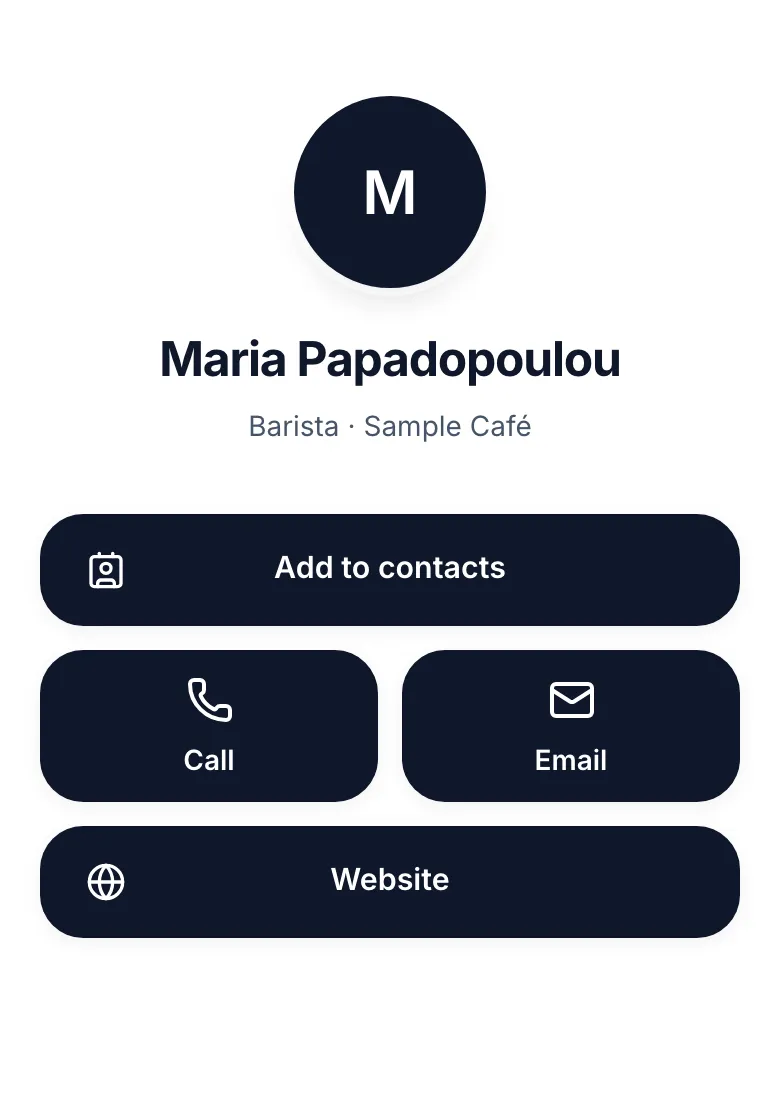
Greek and English
One page in both languages. Visitors see it in their phone's language and switch at the top.
How it works: Greek and English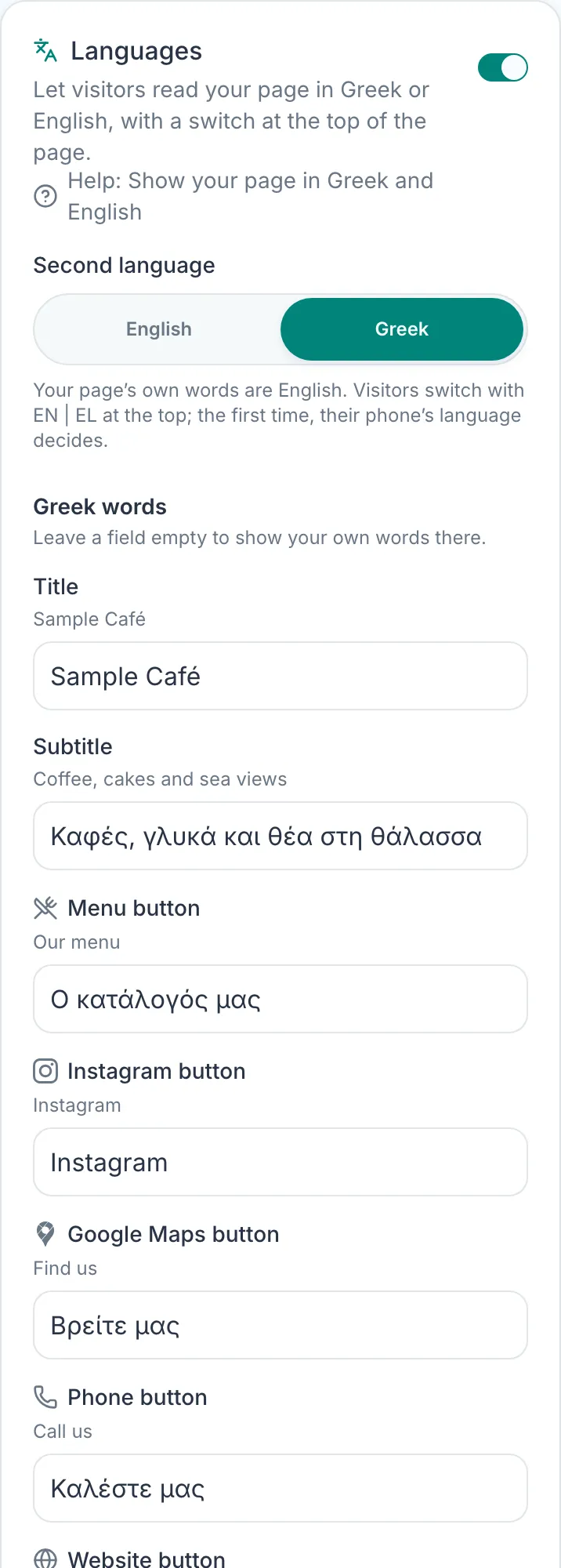
Easier reading
Add a button that gives visitors bigger text, clearer letters and more contrast, and lets them choose what suits them.
How it works: Easier reading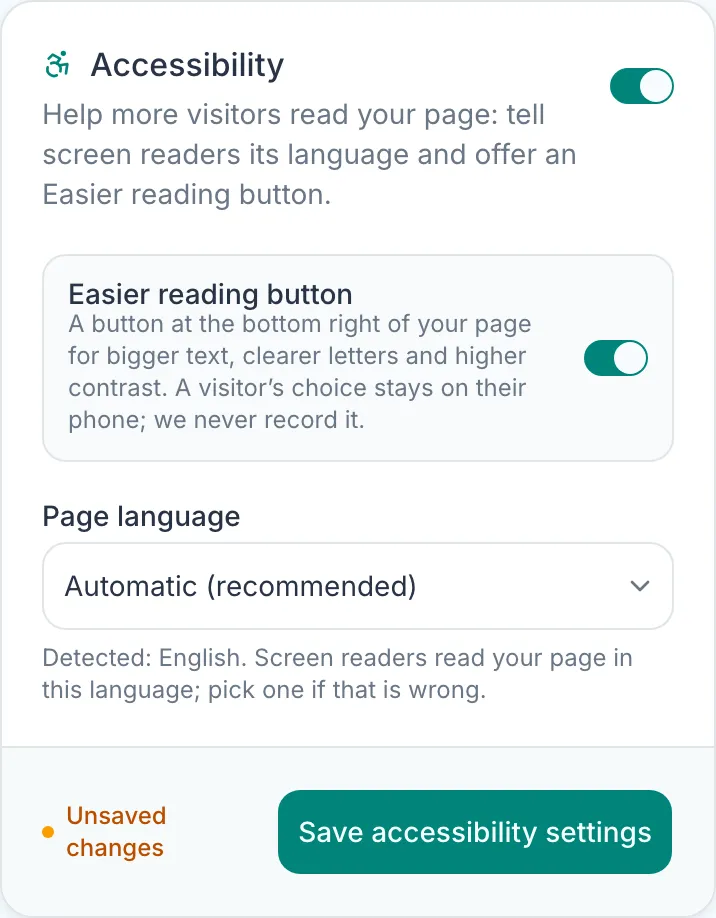
Show up on Google
Add your address, phone and opening hours, so search engines can show them with your page.
How it works: Show up on Google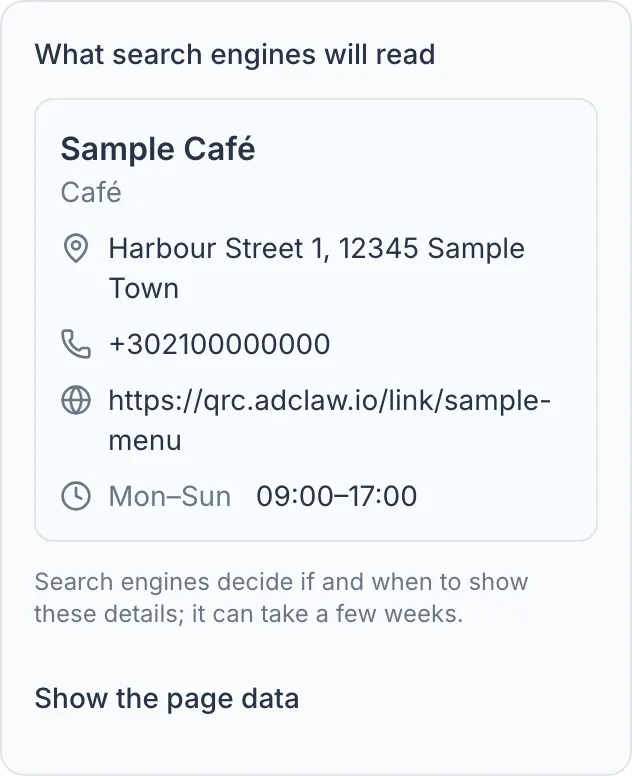
Links
Decide what a scan does, and change it any time.
A page, or a redirect
A scan can open your bio page, or go straight to any web address. You choose for each code.
How it works: A page, or a redirect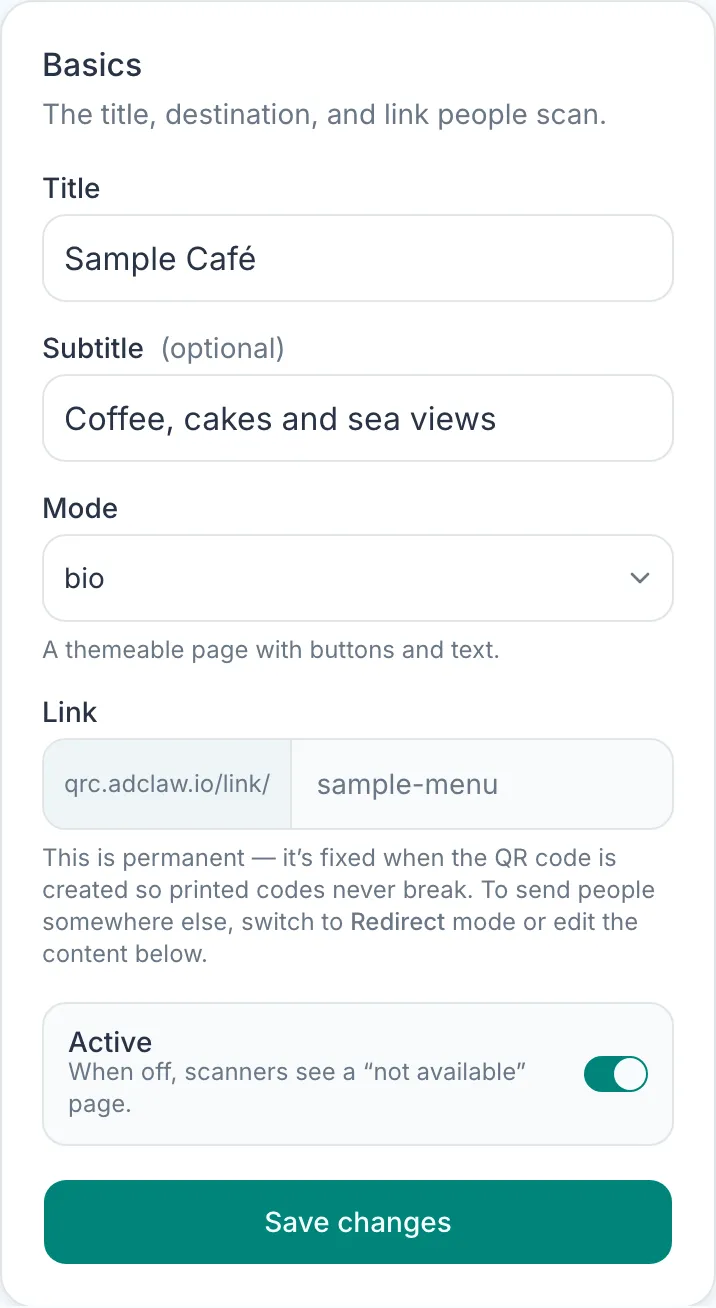
Change it without reprinting
The printed code always points to the same link. Send it somewhere new from your dashboard and every code already out there follows.
How it works: Change it without reprinting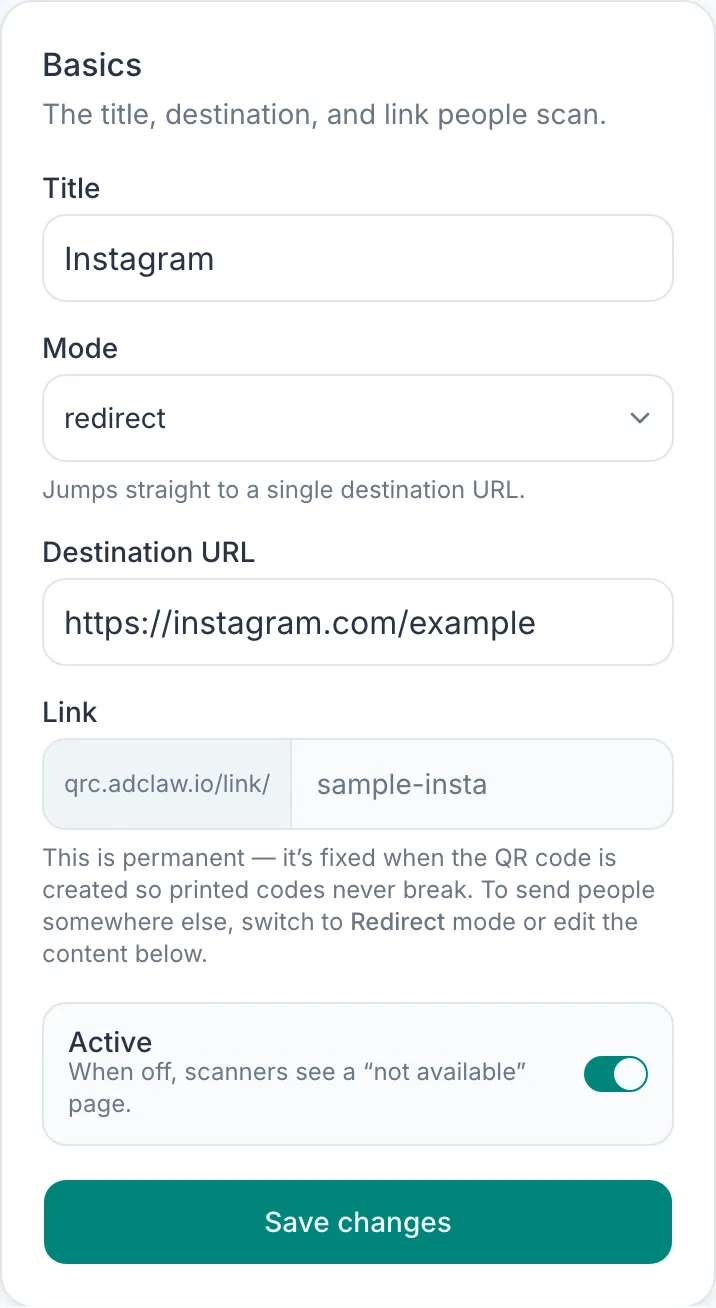
Search your codes
Find a code fast by its name, its link or the web address it leads to.
How it works: Search your codes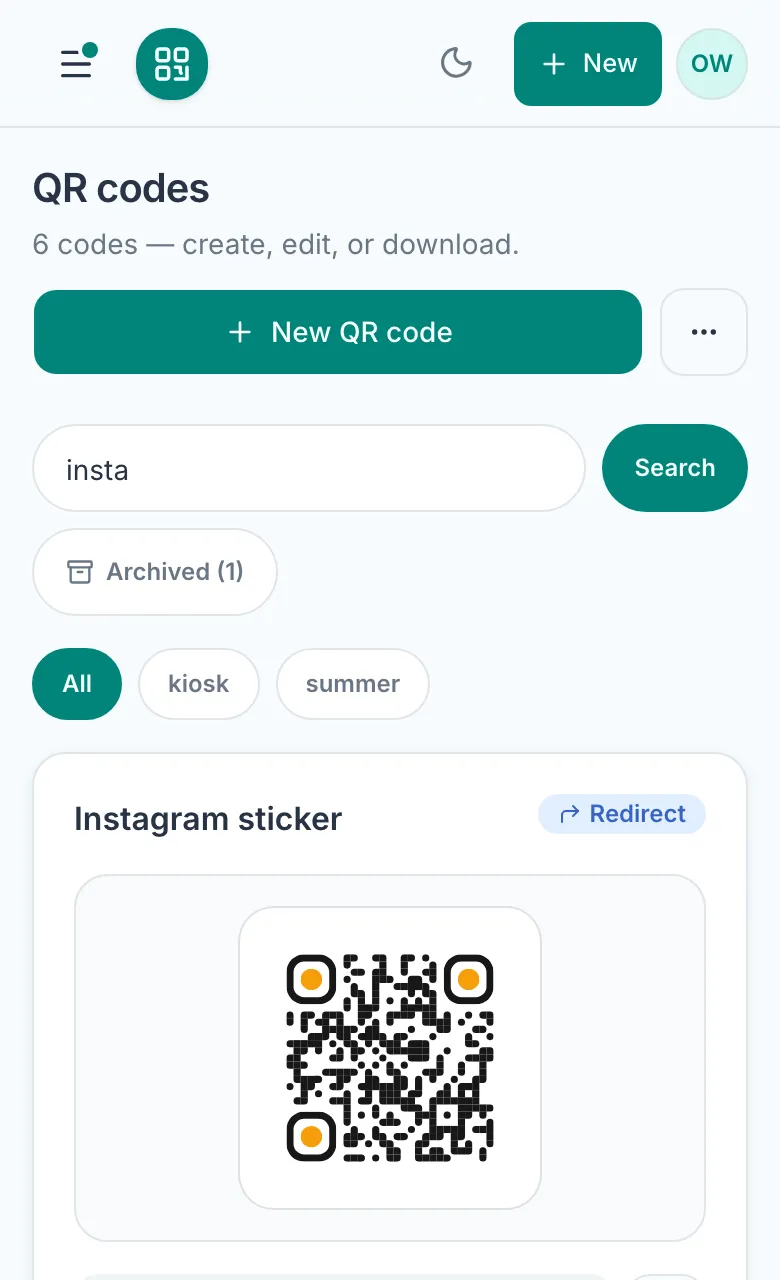
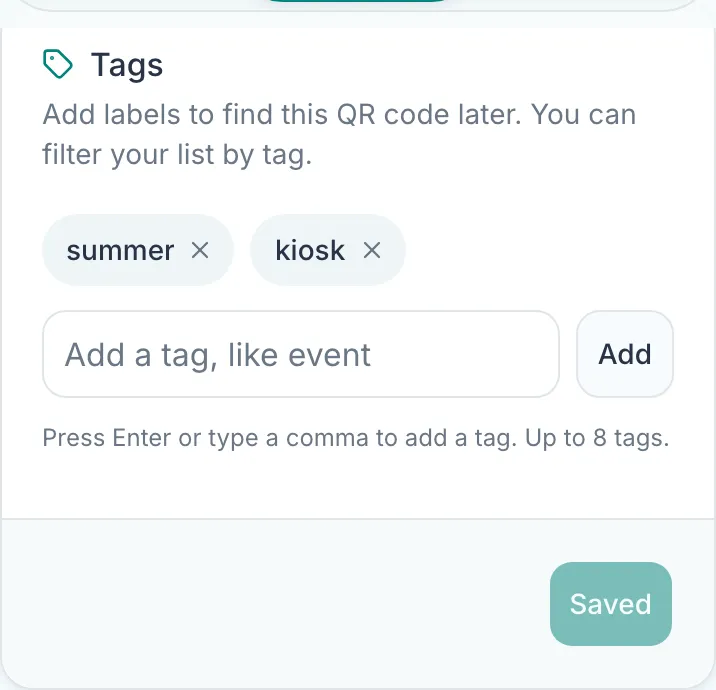
Open in the app
Send people who scan your code straight into the Instagram app instead of the browser.
How it works: Open in the app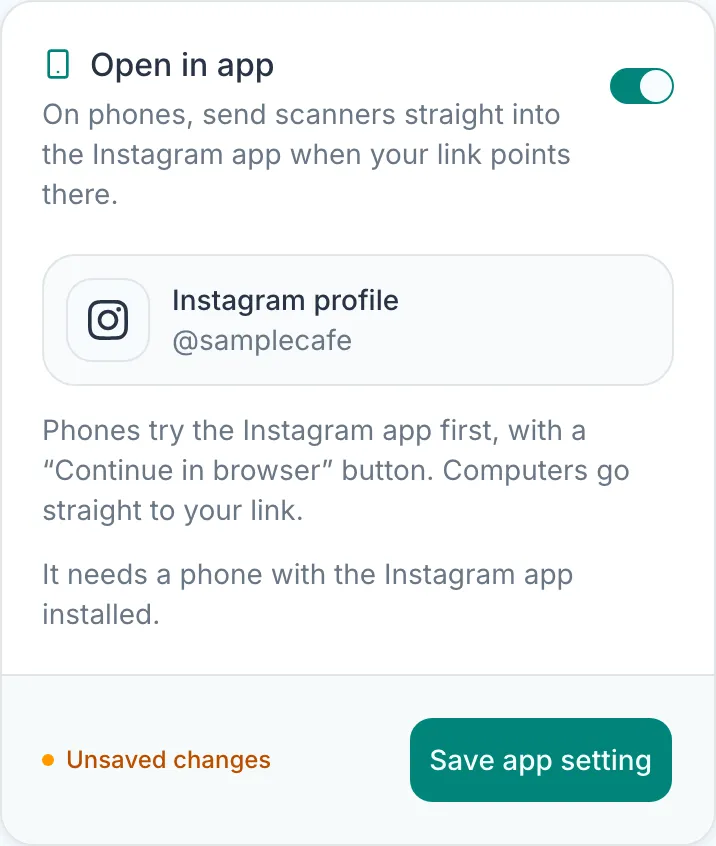
Import from a spreadsheet
Make up to 200 redirect codes at once from a CSV file.
How it works: Import from a spreadsheet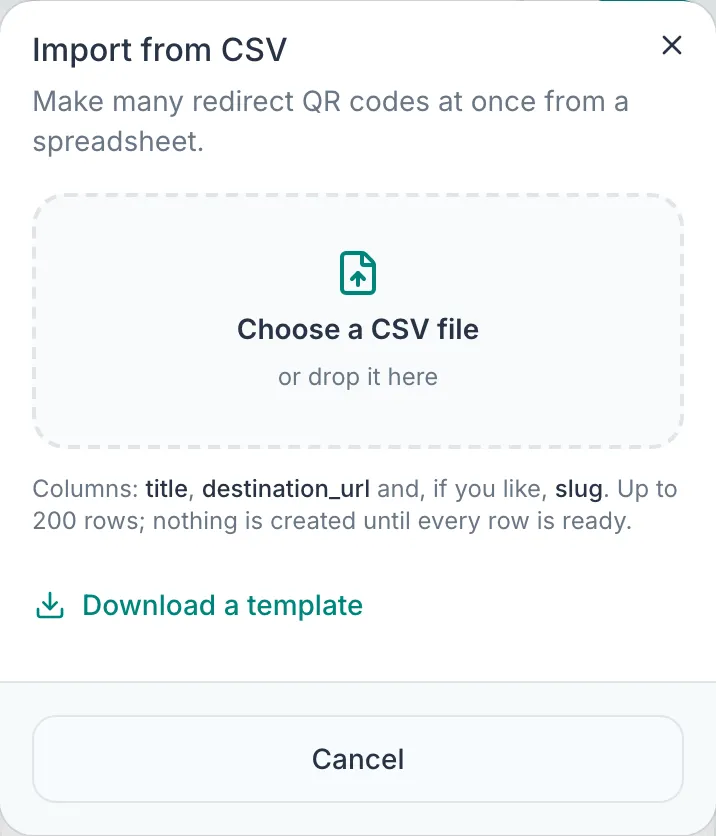
Analytics
See what happens after the scan, and get it by email.
A dashboard for every scan
Views, button clicks and redirects by country, device and where people came from. Look back 7, 30 or 90 days, compare with the period before, see your busiest days and hours, and export it all to CSV.
How it works: A dashboard for every scan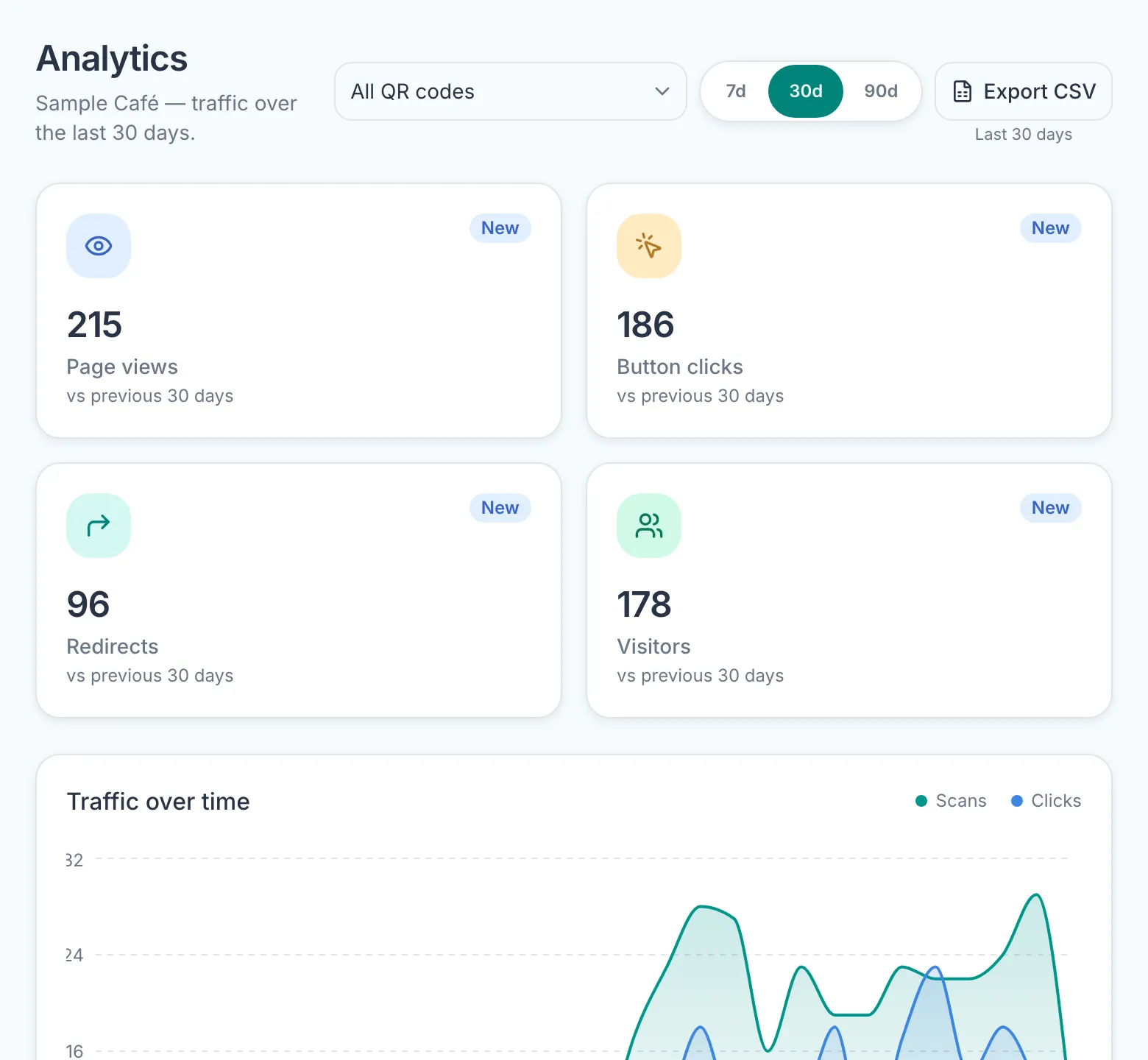
One code at a time
Look at the scans, taps and visitors of a single code instead of all of them.
How it works: One code at a time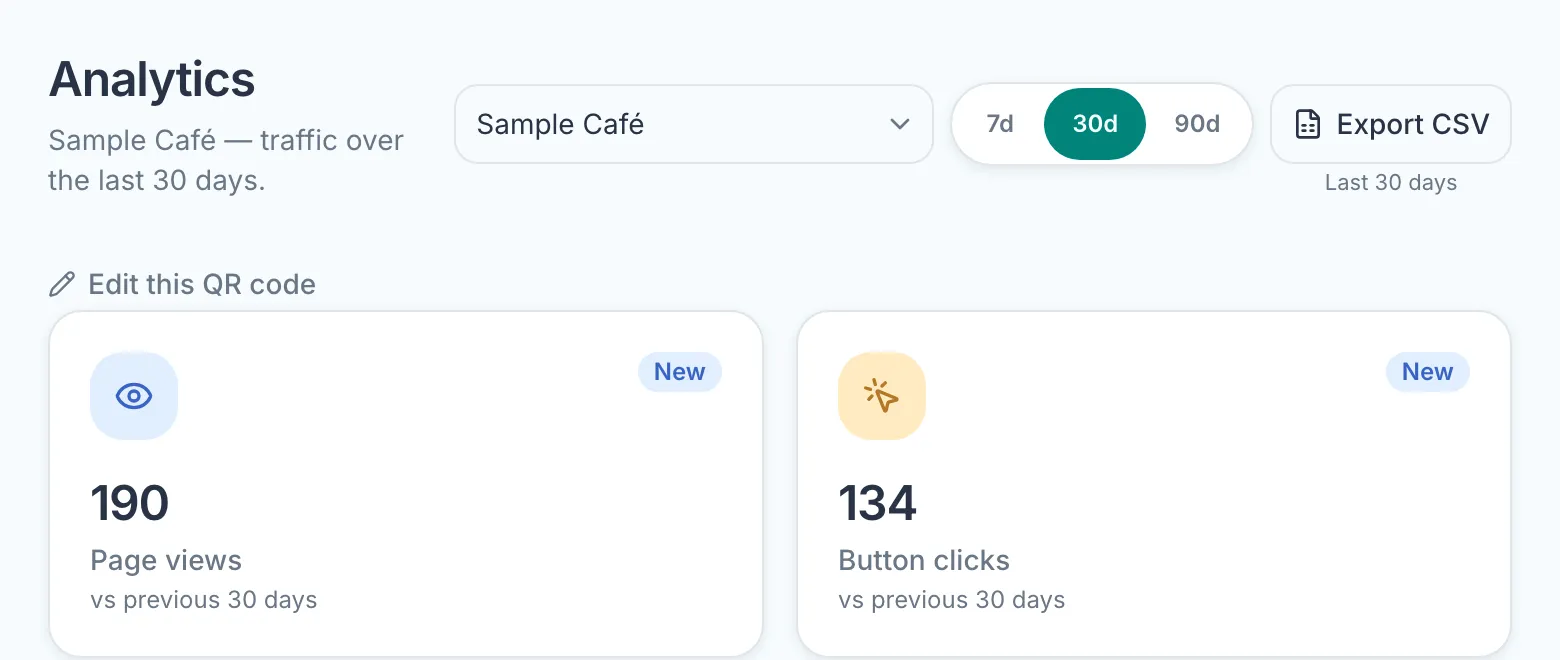
Which buttons get tapped
See which buttons on your bio page get the most taps, so you know what to put first.
How it works: Which buttons get tapped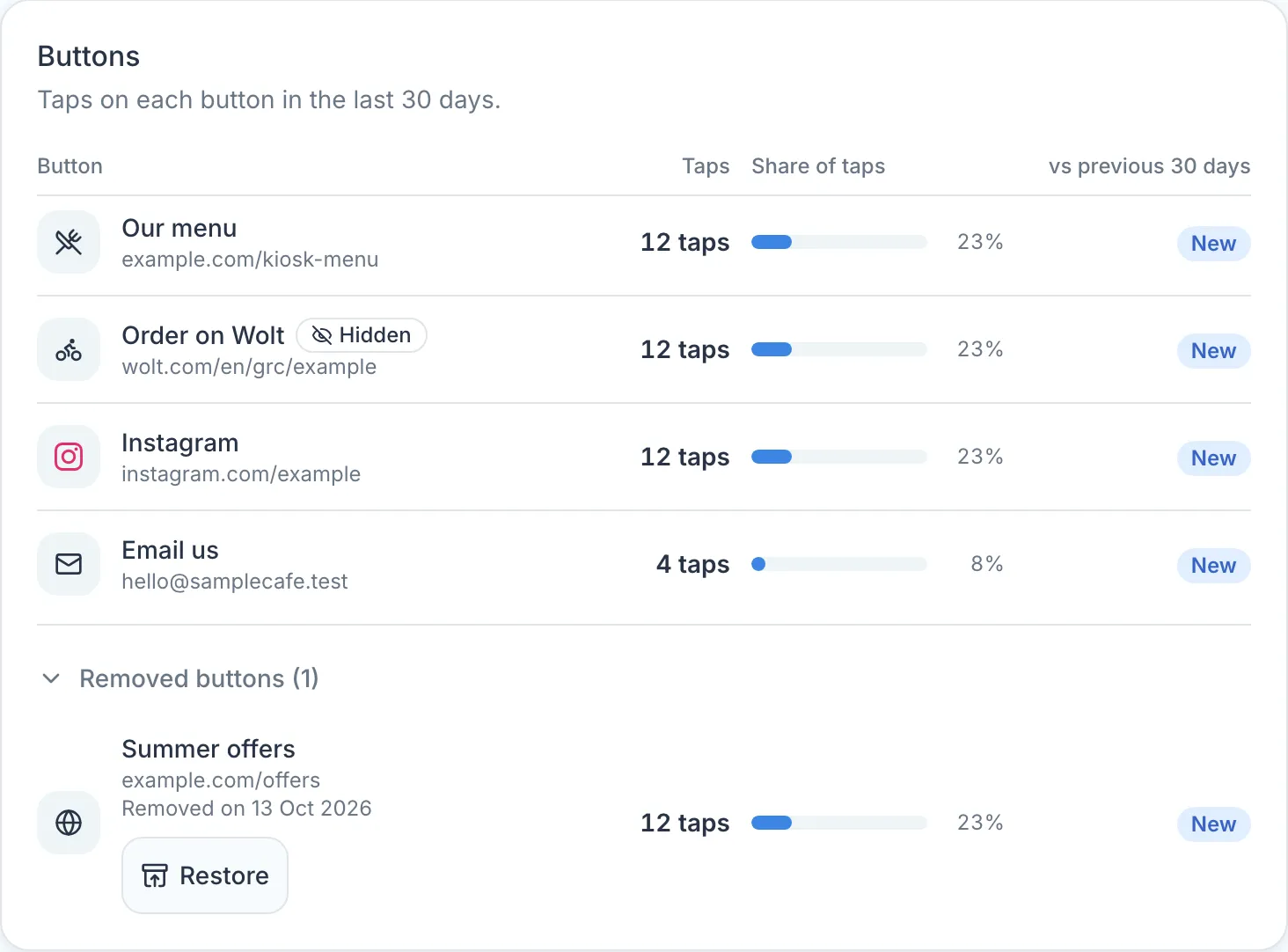
A weekly email report
Last week's scans and taps in your inbox every Monday morning, in your project's time zone. One switch turns it on, one link stops it.
How it works: A weekly email report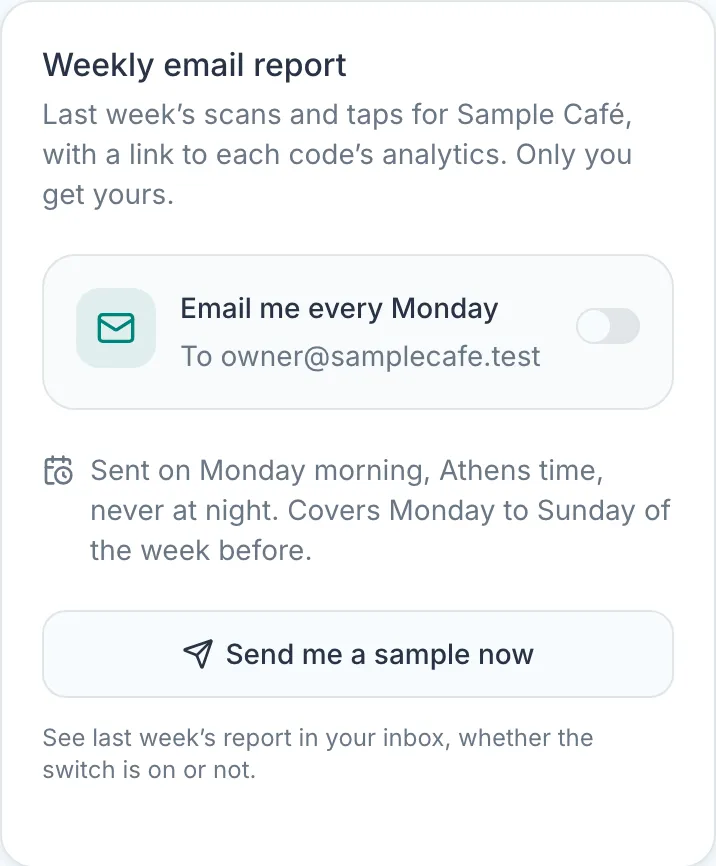
Team and platform
Work together, and connect it to your own tools.
Teams and roles
Invite-only. Project admins look after their own team, and everyone signs in with an emailed link, so there are no passwords.
How it works: Teams and roles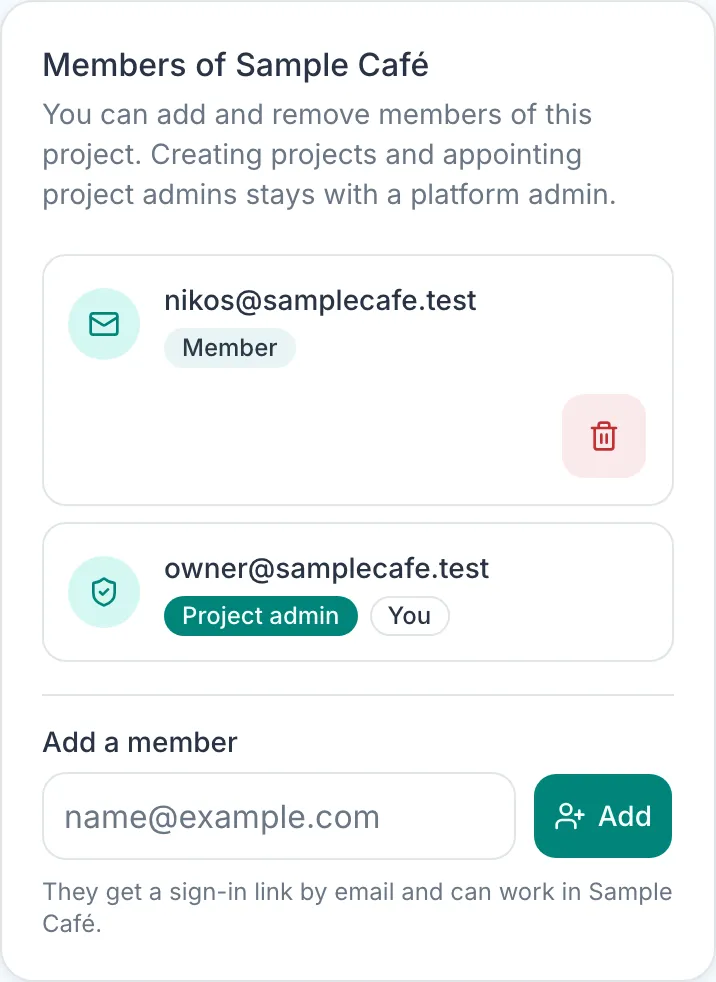
One project for each brand
Keep each brand's codes, pages and team apart, and switch between them from the top of the menu.
How it works: One project for each brand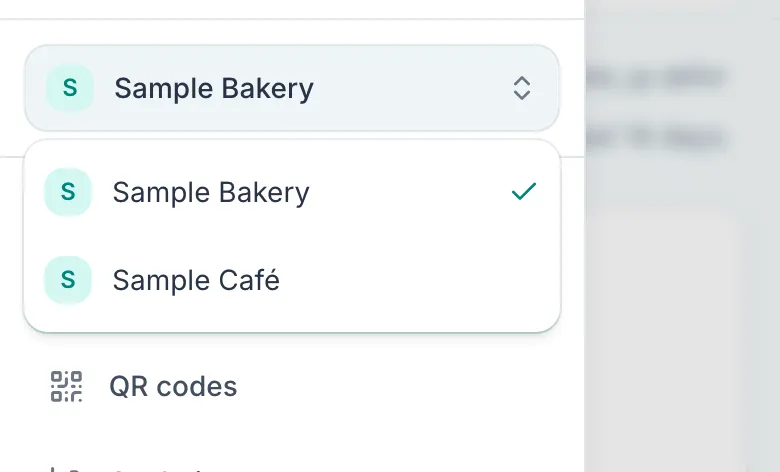
A REST API
Let a script or an AI helper work with your project's QR codes without signing in, with keys you create and revoke yourself.
How it works: A REST API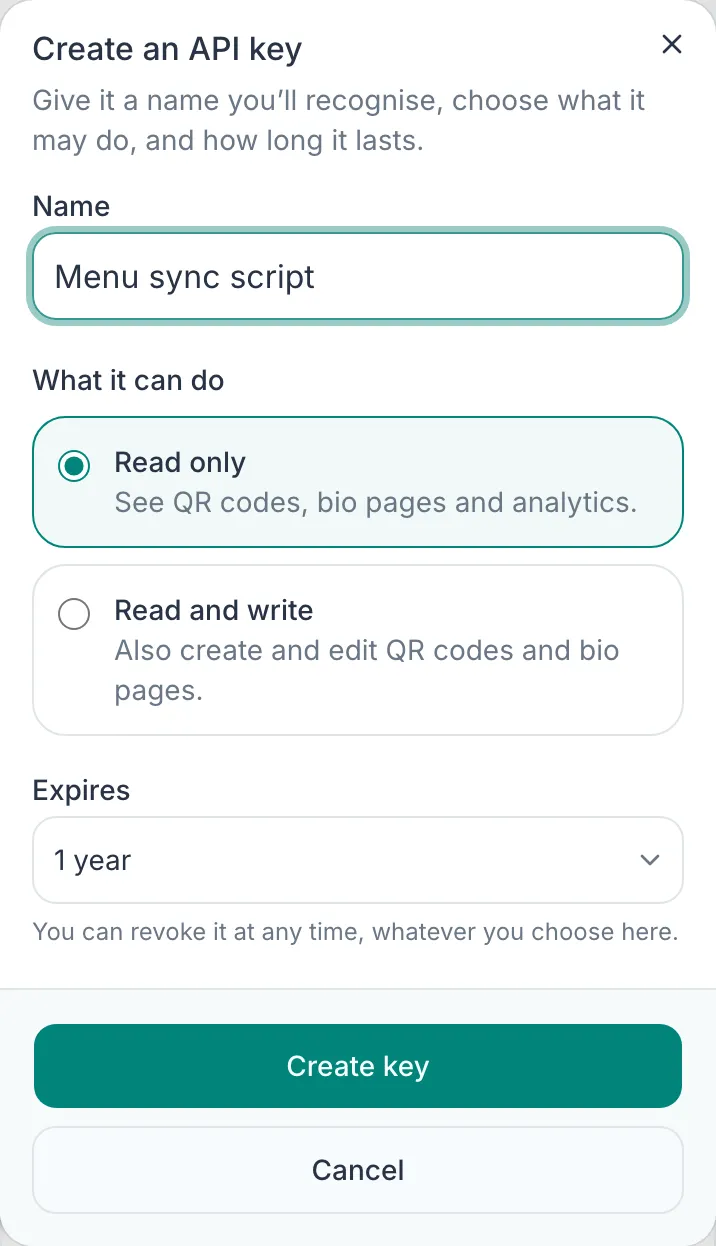
Free QR tools
Make a QR code for Wi-Fi, a contact card, WhatsApp, an email or a location, or check one before you print it. Free, with no account.
How it works: Free QR tools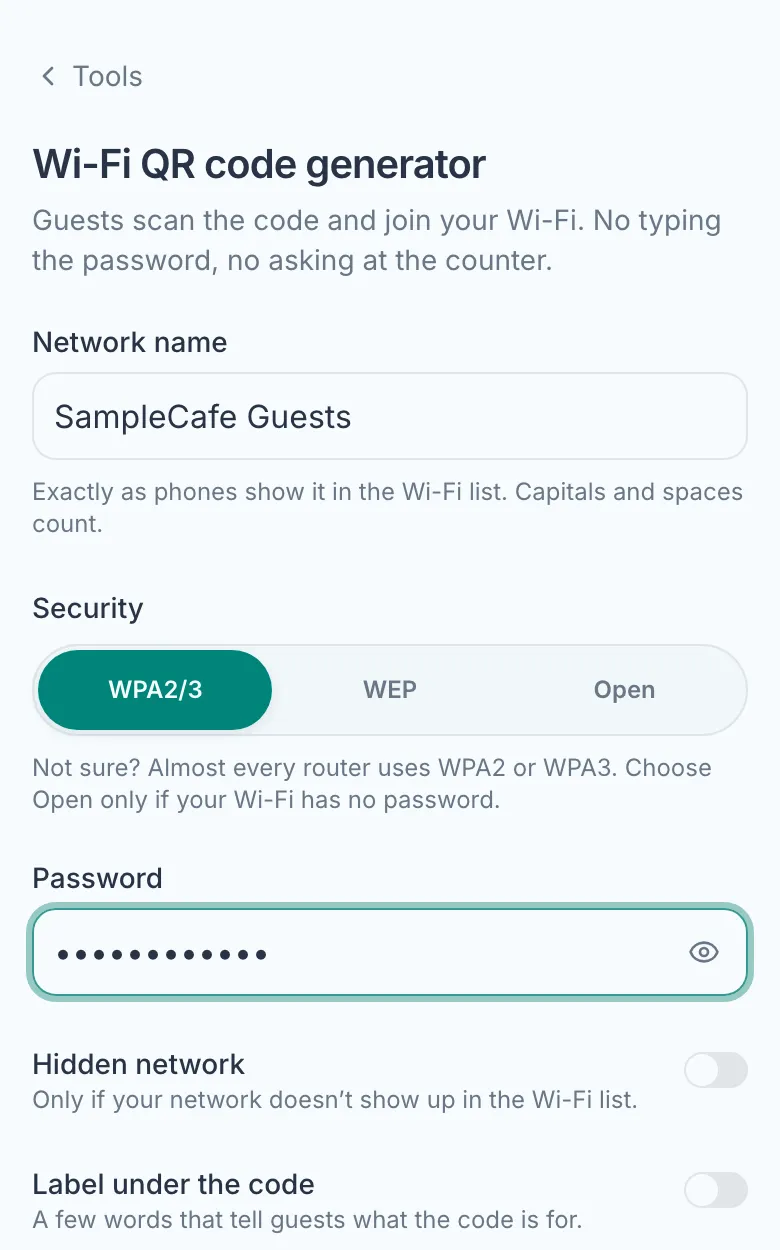
Help, and what's new
Short guides for every task, questions answered from your dashboard, and a What's new page that tells you what changed.
How it works: Help, and what's new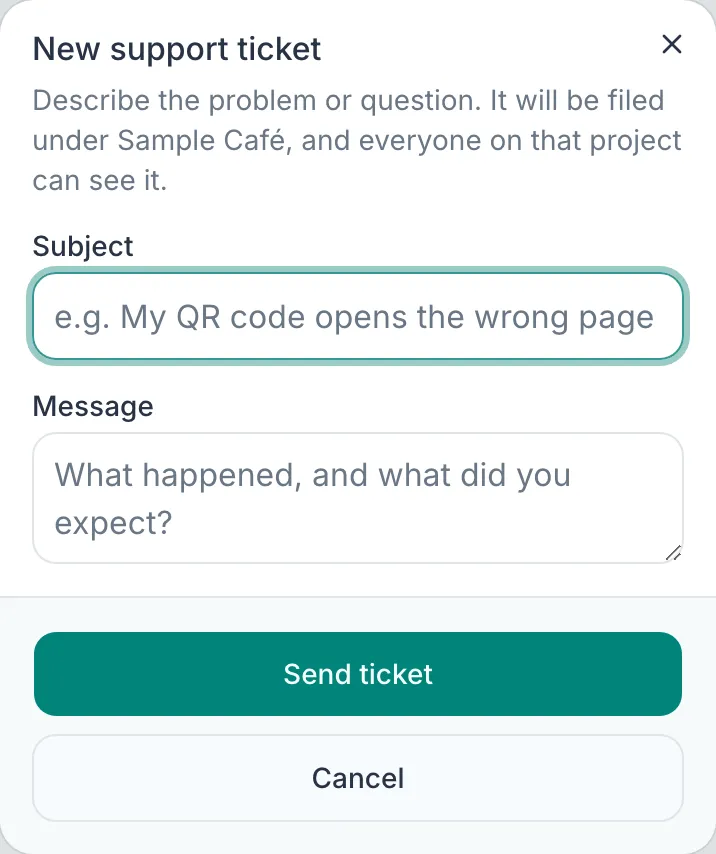
Want to see it with your own brand?
The product is invite-only. Tell us about your business and we will set you up.